

Getting Started with Blua
There are 3 key steps to download, verify and start using Blua. Please follow the below instructions and contact your care home if you would like any additional assistance.
There are 3 key steps to download, verify and start using Blua. Please follow the below instructions - and contact your care home if you would like any additional assistance.

There are 3 key steps to download, verify and start using Blua. Please follow the below instructions and contact your care home if you would like any additional assistance.
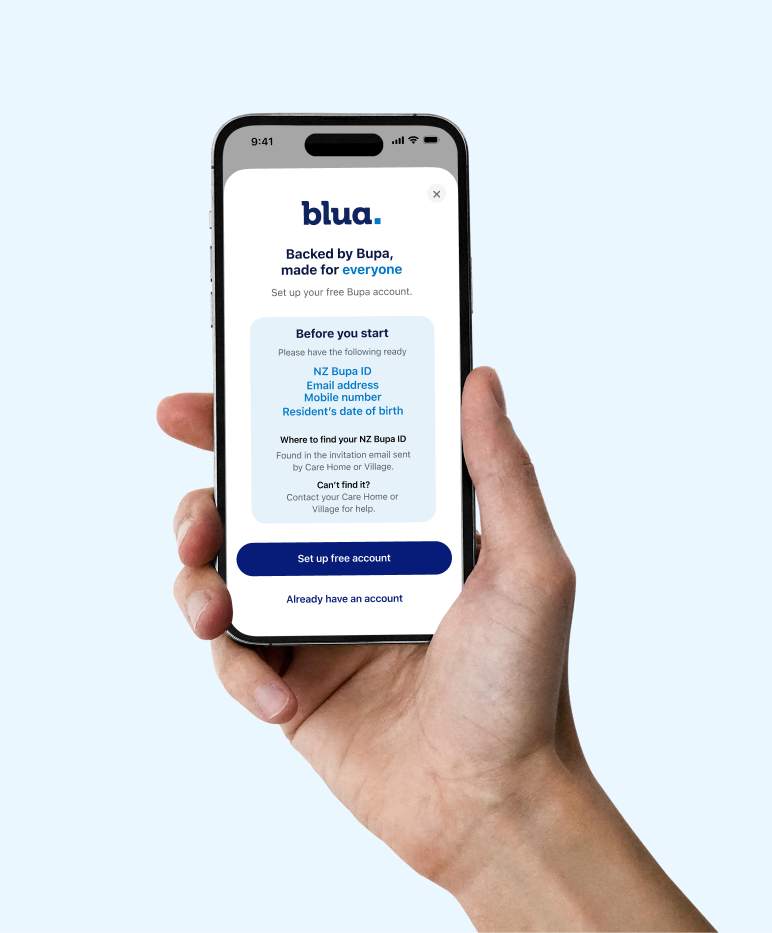
You will need your
To help keep your information secure, you'll need to verify your email address and mobile phone number.
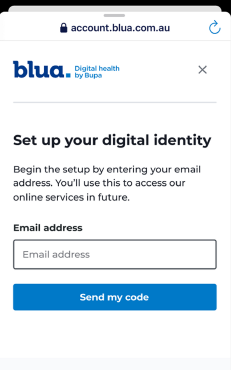
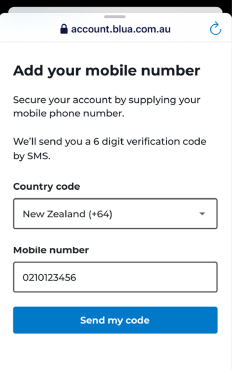
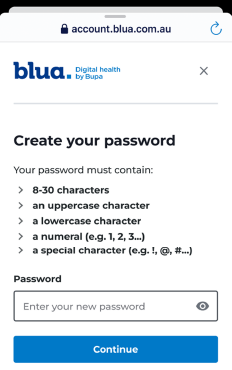
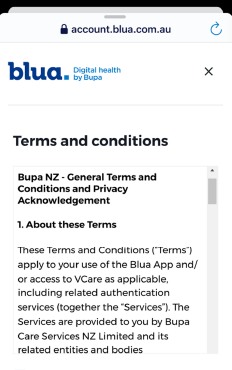
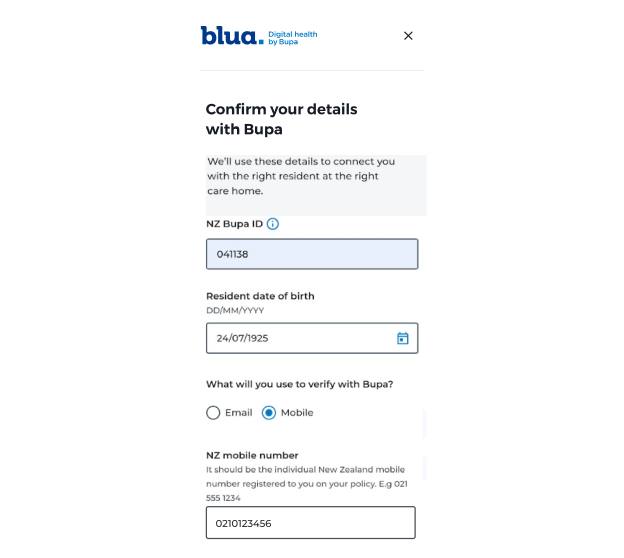
To confirm your connection to the resident and care home, we'll ask you to verify a few details.
You'll need:
Once your details have been verified, your account set-up is complete and you're ready to start using Blua.